procursorrules.com
RulesGenerateMCP ServersBlog
Sign In

Ready to enhance your cursor experience?

Join our community today and get access to exclusive cursor rules, resources, and connect with other cursor enthusiasts.

Get StartedLearn More
procursorrules.com

The home for Cursor enthusiasts where you can explore and generate rules, browse MCPs, post and follow the latest news, learn, connect, and discover jobs.

GitHubTwitter

Products

  • Cursor Rules
  • MCP Directory
  • Rule Generator

Resources

  • Cursor Documentation
  • Blog
  • Support

Frendlink

  • FluxKontext.biz
  • BG Remove Pro
  • Labubu Style Generator
  • LaunchVault
  • OG Generator
  • Just Simple Tools

Stay Updated

Subscribe to our newsletter to get the latest updates on cursor rules, tutorials, and community news.

By subscribing, you agree to our Terms and Privacy Policy.

  • Featured on findly.tools
  • Startup Benchmarks
  • Acid Tools
  • AIGC 160
  • AI Toolz
  • z-image.win
  • Launch Vault
  • Hunt for Tools
  • SaaS Field
  • SaaS Hub Directory
  • SaaS Roots
© 2026 Pro Cursor Rules. All rights reserved.
Terms of Service
Privacy Policy
About Us
Made withbySkyler Scofield
What Is MCP? A Plain‑English Guide for Builders | Pro Cursor Rules
Back to blog
Blog / mcp-guide

What Is MCP? A Plain‑English Guide for Builders
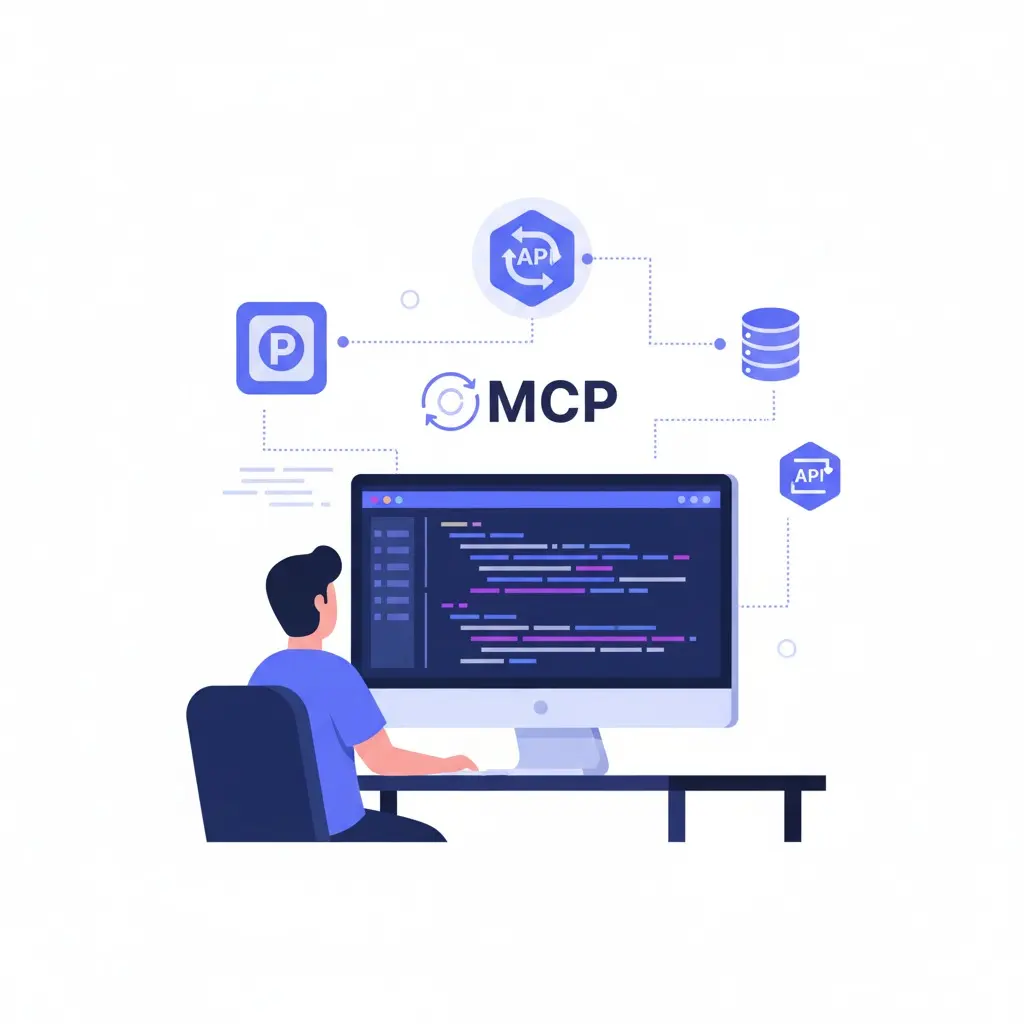
What Is MCP? A Plain‑English Guide for Builders
mcp-guide
agents
Cursor
guide
LLM tooling
MCP
Model Context Protocol
C
Cursor Rules Pro Team
Expert Development Team
2025-09-02
5 min read

What Is MCP? A Plain‑English Guide for Builders

If you've ever wired a model to GitHub, Slack, and a database—then rewrote the same glue code for the next app—you've met the problem MCP tries to solve.

MCP (Model Context Protocol) is a simple idea: a common way for model‑powered apps to talk to outside tools and data. Instead of every client inventing its own plugin format, MCP defines one language for what tools exist, what they do, and how to call them.

Think of it as USB‑C for model tools: one port, many devices.


TL;DR

  • Client: your app (IDE assistant, desktop chat, agent, etc.).
  • Server: a process that exposes capabilities.
  • Capabilities:
    • Resources — things you can read (files, docs, DB queries).
    • Tools — actions you can run (search, write, transform, deploy).
    • Prompts — reusable, parameterized prompt templates.
  • Transport: how they talk (usually stdio or SSE).

The protocol defines the shape of those things and how to call them, so clients and servers can mix and match.


Why this matters

Today's integrations are a patchwork: per‑client plugins, bespoke SDKs, inconsistent permissions. MCP gives you:

Share this article

Related Articles

How to Use Model Context Protocol (MCP) in Cursor
cursor-mcp

How to Use Model Context Protocol (MCP) in Cursor

A practical, plain-English guide to wiring MCP servers into Cursor's Composer—what it is, how to configure it, and how to debug tool calls.

2025-09-024 min read

Comments

YU
Markdown supported

Table of Contents

TL;DRWhy this mattersHow it works (without the fluff)A concrete mental modelWhere MCP fits todayWhen you shouldn't use MCPPractical tips60‑second quick start (Cursor example)What MCP is notThe takeaway

About the Author

  • Less glue code — one server can serve multiple clients.
  • Safer calls — explicit permissions and auditable steps.
  • Easier upgrades — update a server once, every compatible client benefits.
  • Cleaner architecture — put tool logic next to the systems it controls.
  • Interoperability — a healthier ecosystem where parts fit together.

How it works (without the fluff)

  1. A client connects to a server and asks, “What do you offer?”
  2. The server replies with resources, tools, and prompts.
  3. The client (or the model inside it) decides when to use them.
  4. Every call is explicit: inputs, outputs, errors, and logs are structured.

Here's a tiny, shape‑only example of what a server might expose:

{
  "resources": [
    {
      "uri": "db://reports/sales:latest",
      "mime": "application/json",
      "description": "Latest sales snapshot"
    }
  ],
  "tools": [
    {
      "name": "create_ticket",
      "description": "Open an issue in the tracker",
      "input_schema": {
        "type": "object",
        "properties": {
          "title": { "type": "string" },
          "body":  { "type": "string" }
        },
        "required": ["title"]
      }
    }
  ],
  "prompts": [
    {
      "name": "commit_message",
      "description": "Conventional commit message helper",
      "schema": {
        "type": "object",
        "properties": { "change": { "type": "string" } },
        "required": ["change"]
      }
    }
  ]
}

The real spec covers discovery, streaming, errors, and more—this just shows the idea.


A concrete mental model

  • Resources are read‑mostly: “show me the spec,” “query this table,” “fetch that page.”
  • Tools change the world: “open a PR,” “resize these images,” “kick off a deploy.”
  • Prompts are building blocks: consistent templates you can parametrize and reuse.

You can compose them: read a resource, pass it to a tool, then use a prompt to craft a summary.


Where MCP fits today

  • IDE/Composer agents — let a model explore your repo, run project scripts, or talk to CI without client‑specific plugins.
  • Internal bots — one server exposes company‑approved actions (search docs, file tickets, orchestrate jobs) to every MCP‑capable client.
  • Ops dashboards — read logs and metrics as resources; expose safe tools for rollbacks or restarts.

When you shouldn't use MCP

  • You only need a single, hard‑coded API call inside one app.
  • You can't accept a model making tool calls (even with approvals).
  • You need offline batch work with no client interaction.

MCP shines when multiple clients might reuse the same capabilities, or when you want a clean boundary between “model interface” and “system actions.”


Practical tips

  • Name things well. Clear tool names and descriptions help models pick the right one.
  • Be explicit about safety. Require approvals for destructive tools; validate inputs; log everything.
  • Keep tools small. Do one thing, return structured results. Chain tools if needed.
  • Handle timeouts/retries. Make failures boring and predictable.
  • Document resources. If a resource is expensive or stale, say so in the description.

60‑second quick start (Cursor example)

  1. Open Settings → Features → MCP → + Add New MCP Server.
  2. Pick a transport:
    • stdio — command that starts your server
    • SSE — the server's SSE endpoint URL
  3. Save, then refresh the tool list. Mention a tool by name in Composer to nudge usage if needed.

(Other clients have different UIs, but the idea is the same.)


What MCP is not

  • Not a model. It doesn't generate text or images.
  • Not a plugin store. It's a protocol; directories are separate.
  • Not magic security. It helps with permissions and auditing, but you still need sane scopes and reviews.

The takeaway

MCP gives us a shared way to connect models to the real world. It isn't trying to be clever; it's trying to be consistent. If you're tired of bespoke integrations and want tools you can reuse across clients, MCP is the simplest path to build once, use everywhere.

C
Cursor Rules Pro Team
Expert Development Team

Expert developer passionate about modern web technologies and AI-assisted development.

Popular Tags

agents
Cursor
guide
LLM tooling
MCP
Model Context Protocol
cursor
development

Stay Updated

Get the latest articles and tutorials delivered to your inbox.